LeastNonNull
Returns the smallest value from two or more values with matching data types, ignoring Null values.
Syntax
input (required) The data or column of data to be evaluated. Input can be numbers, dates, or strings.
input 2+ (optional) Additional inputs to compare. All additional inputs must match the type of the first input.
Notes
- If all inputs are
Null, returnsNull. - To compare two values of different data types, convert one of the values to match the data type of the other using the appropriate type conversion function. For example, you can convert a string to a number using the Number function, or to a date using the Date function.
Examples
- Returns
2.
- Returns
-4.
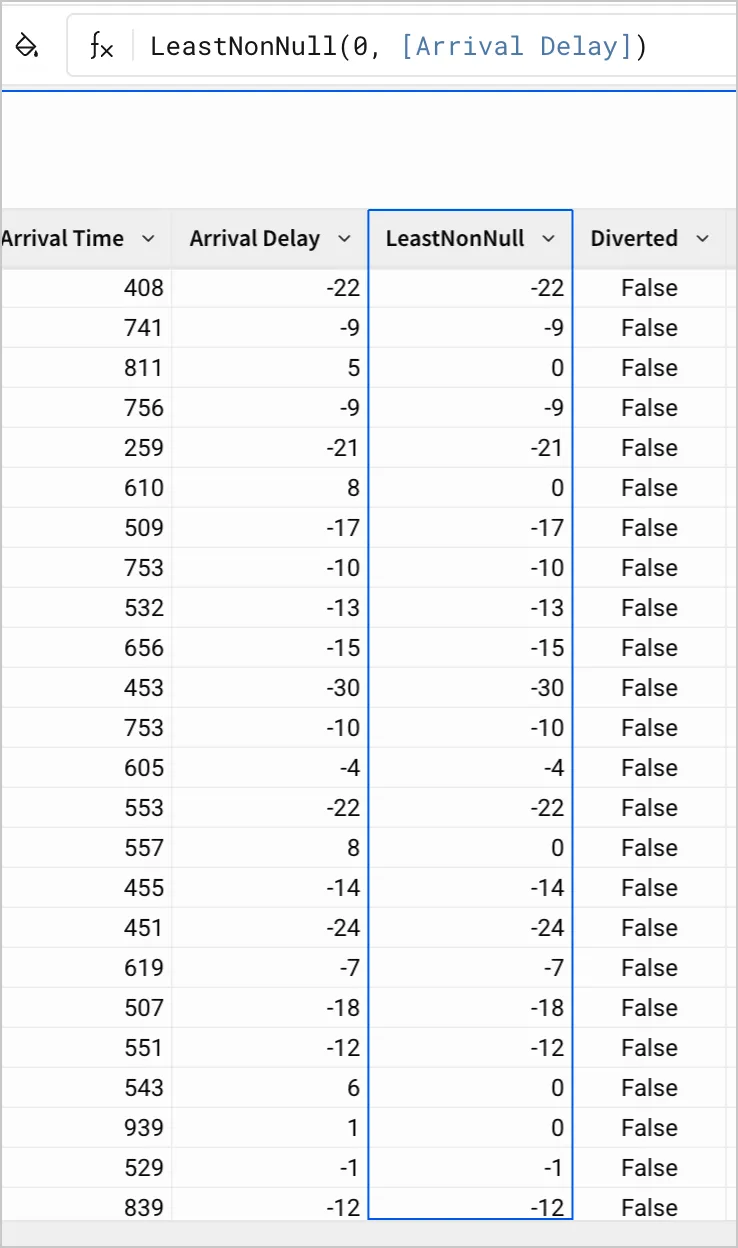
- In a calculated column, returns the greater of 0 or the value in the Arrival Delay column for each row. If Arrival Delay_ is
Null, returns0.