

Collaborate with Live Edit in workbooks
Your team can collaborate on workbook drafts in real time, with all editors sharing one live draft. Live Edit allows you to see and contribute to other users’ drafted changes before they are published.
This document describes collaborating with multiple users in workbooks using Live Edit. For more information about drafting and publishing workbooks, see Draft and publish a workbook.
User requirements
- Only users with Can edit access to the workbook can contribute.
View other collaborators
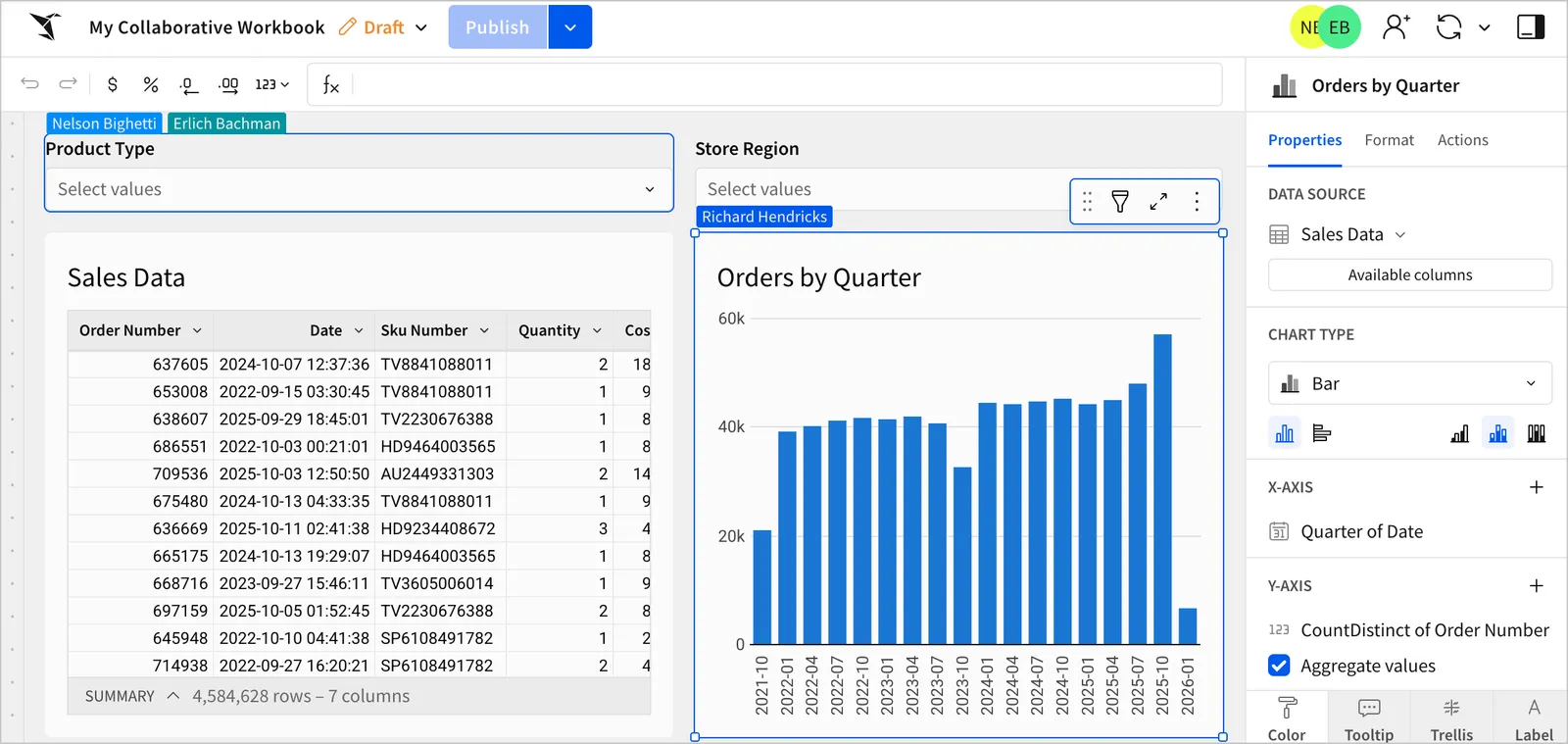
The header displays the user icons of users currently in edit mode. The current user’s icon is not displayed.
Click a user’s icon to navigate to the element they have selected (if they have one selected).
When a user selects an element, Sigma displays the name of the user in the top left corner of the selected element.
Publish while collaborating
Sigma automatically saves all changes you make to the draft and shows the changes to all other simultaneous users.
When a user clicks Publish, Sigma publishes all drafted changes, including changes drafted by all other users.