Highlight chart values
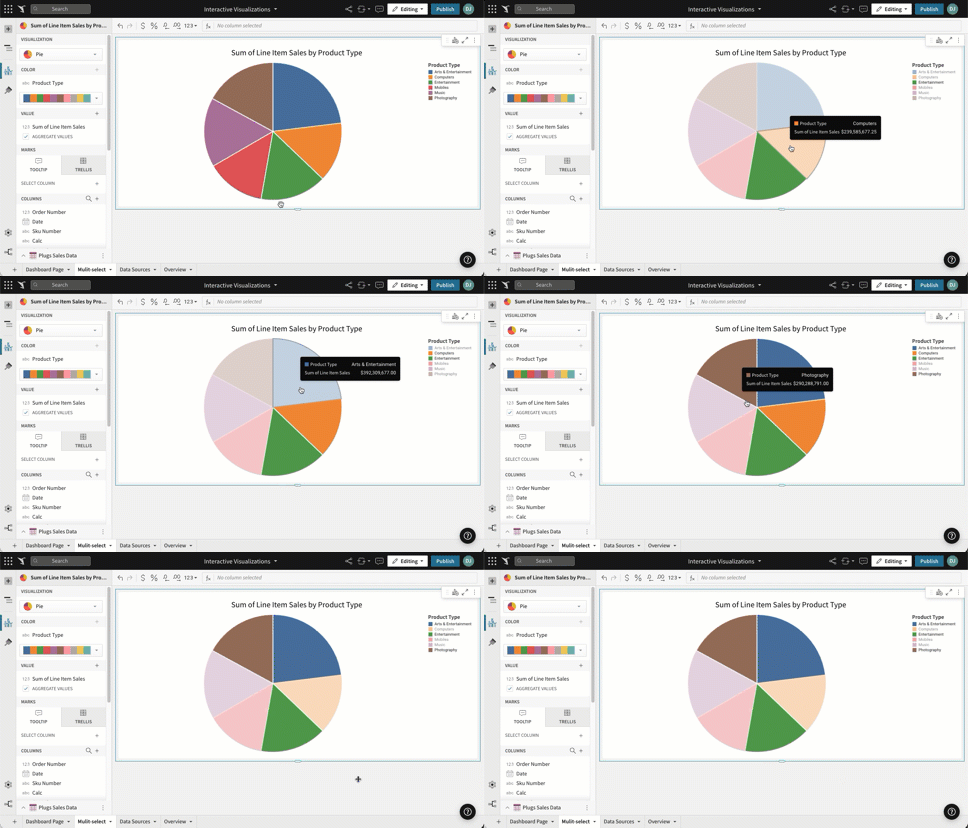
Highlight single values in Sigma charts by clicking them to focus analysis on specific data points. Any user with Can view access to a workbook can highlight chart values.
Highlight values in a chart
Click any value to highlight it. To select multiple values, hold ⌘ Command (Mac OS) or Ctrl (Windows) on your keyboard while clicking each value that you want to highlight.